LLibrary
Everything a sound is, one gesture away.
Your folders stay where they are. OD Studio gives every file a card that turns over to show what it is, gathers files into Workspaces and Projects without copying them, and keeps one player — the Dock — following whatever you choose.
01Cards
Hold a card. It turns over.
Click a card and you hear it. Press and hold, and it turns over to its Quick Info: the file facts, the tempo and key, the words you described it with, its loudness, its cues — without opening anything. Hold with ⌘ and it opens wide. Turning a card never starts playback.
- WAVHarbour Lights — Mix.wavWAV · 44.1 kHz · 0:42★★★★Version 2
- MIDIGlass Keys — Take 3.midMIDI · 2 tracks · 0:22★★★★★
- LOGICLate Bloom.logicxLogic Pro project · 9 tracks★★★
- WAVDrums.wavWAV · 44.1 kHz · 0:55
- PRESETWarm Bloom.aupresetAudio Unit preset · Tidewater★★★★
- WAVVelvet Chords 124 BPM F#m.wavWAV · 44.1 kHz · 0:08★★
02Organised five ways
One library. Five ways to see it.
The same files, seen as the folders they live in, as the libraries they form, as the Workspaces you gather, as the Projects they belong to, and through Views across everything. Switch — and watch nothing move on disk.
Your real folders, as they are on disk — in a linked folder, your library storage, or an inbox. No file moved.
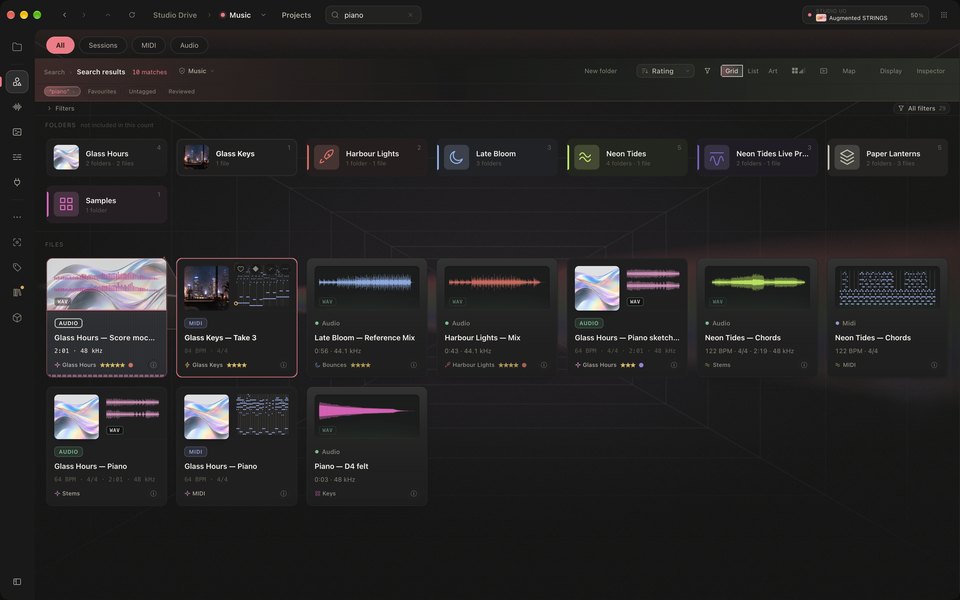
Search reaches every file at once, whichever way you are looking — even misspelt.
03Studio Drive
Your real folders, shown the way you think about them.
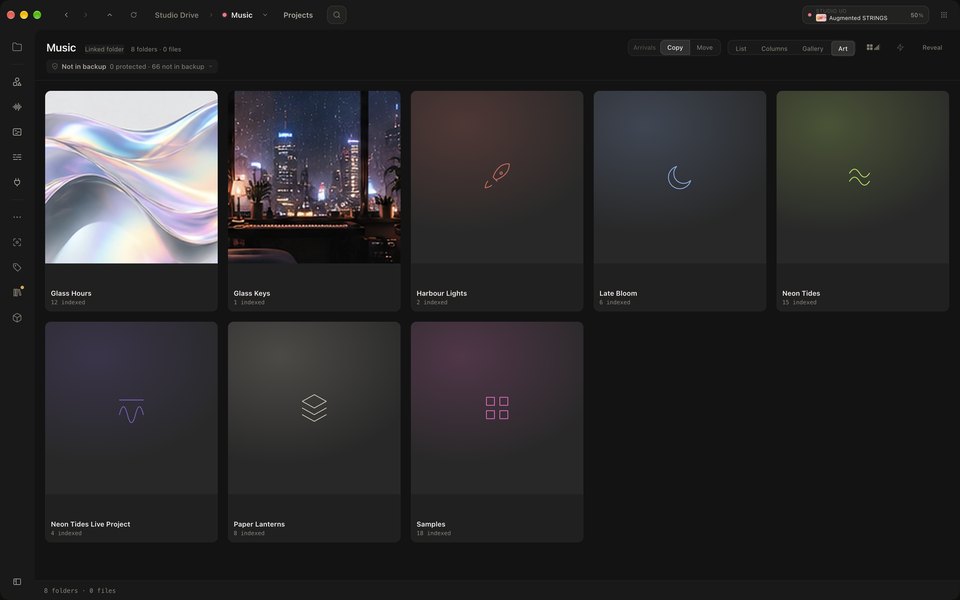
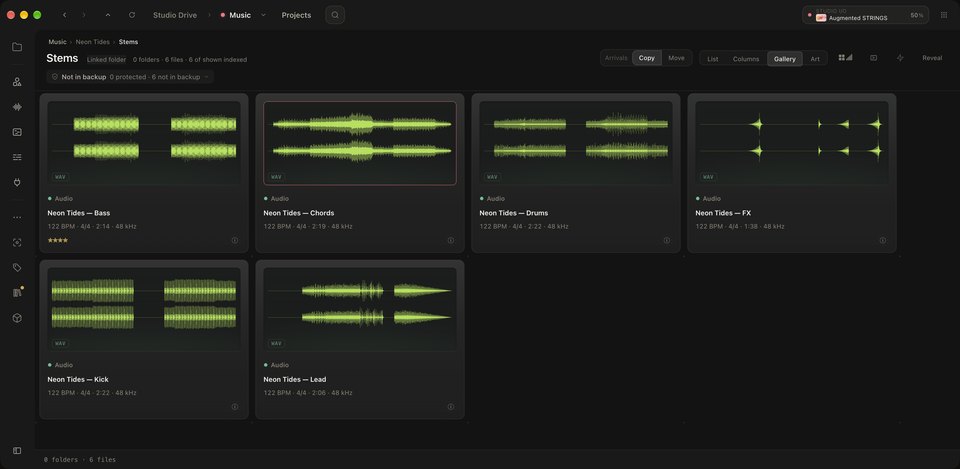
List, Columns, Gallery or Art view over the folders you already have — and a search that finds files by the words in their names, even misspelt. Try the whole thing in the interactive preview.
In OD Studio, a producer opens their music folder, steps into a song’s stems, opens one stem’s Profile and plays it, then looks through its creative tags and musical details. The recording has no sound.