SSound
Hear it. Then look closer.
Every file in OD Studio can be heard where it is — a MIDI take through the instrument you choose, a mix with its versions, a range edited without touching the original — and read the way an engineer reads it.
01The MIDI collection · Studio I/O
Seven ideas, written by hand. Any instrument you like.
A MIDI file is silent until something plays it. These are real chord sketches from the founder’s library — every note as written. Choose one, press play, then change the instrument, its preset and the effects after it while it plays. The notes never move. Only the sound does. Hold B to hear the piece as written.
Studio I/O
Audition · preview · output
- Internal synth
- Audio files
- Preview Master · 80%
In OD Studio, every audio file you preview can pass through its own effect chain here — and be dragged out processed.
Both sources sum here, then leave for your output
These are the founder’s own MIDI files — the notes exactly as written. In OD Studio, Studio I/O plays MIDI through any Audio Unit instrument on your Mac, with its presets and effects. A browser cannot host plug-ins, so the instruments and effects here are original synthesis made for this page — the console around them is OD Studio’s.
02MIDI
A MIDI file, read completely.
Every note, tempo and controller exactly as written — and saved back unchanged, byte for byte. Watch it fall through the Waterfall, read its key and chords in Theory, and open it in the Piano Editor, which is being refined.
A MIDI file plays in OD Studio’s piano roll: the playhead crosses the notes while the Dock at the bottom follows the same position. The recording has no sound.
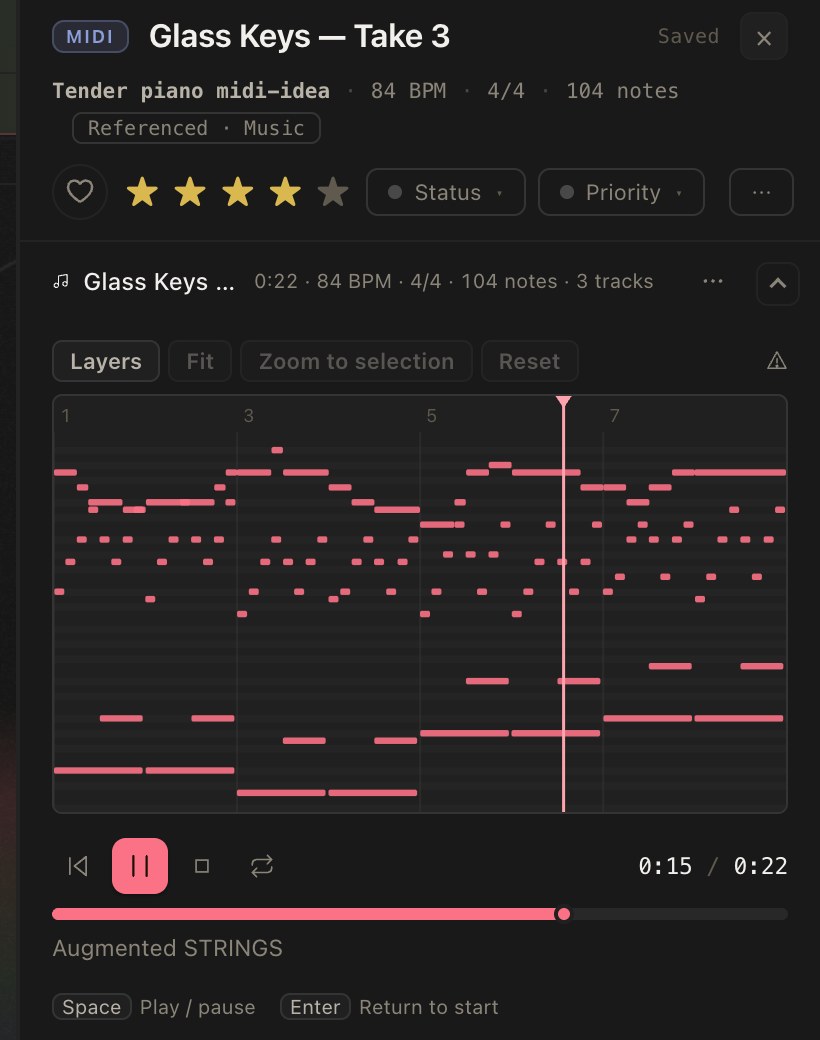
Press play and watch the notes light as they sound. Click any note to hear it alone.
03Audio Studio
Edit a range. The original stays safe.
Select a range and fade it, trim it, change its gain, normalise or reverse it — with one undo history. Edits are kept as instructions; a new version is a new file beside the original. Nothing is written over the file you started with unless you choose to, and then a backup is kept.
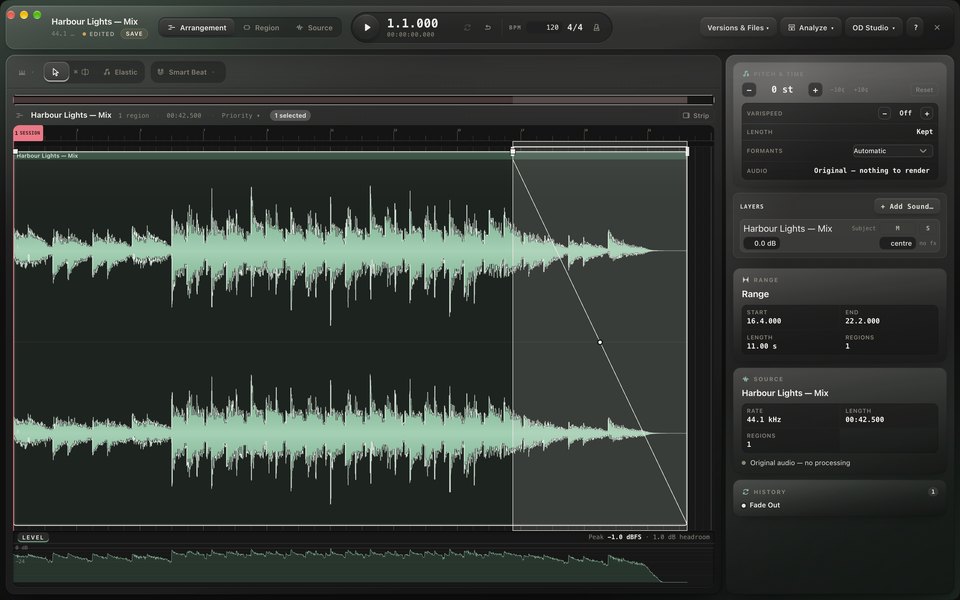
In Audio Studio, a range at the end of a track is selected with the Marquee tool and faded out; the playhead then plays through the fade. The recording has no sound.
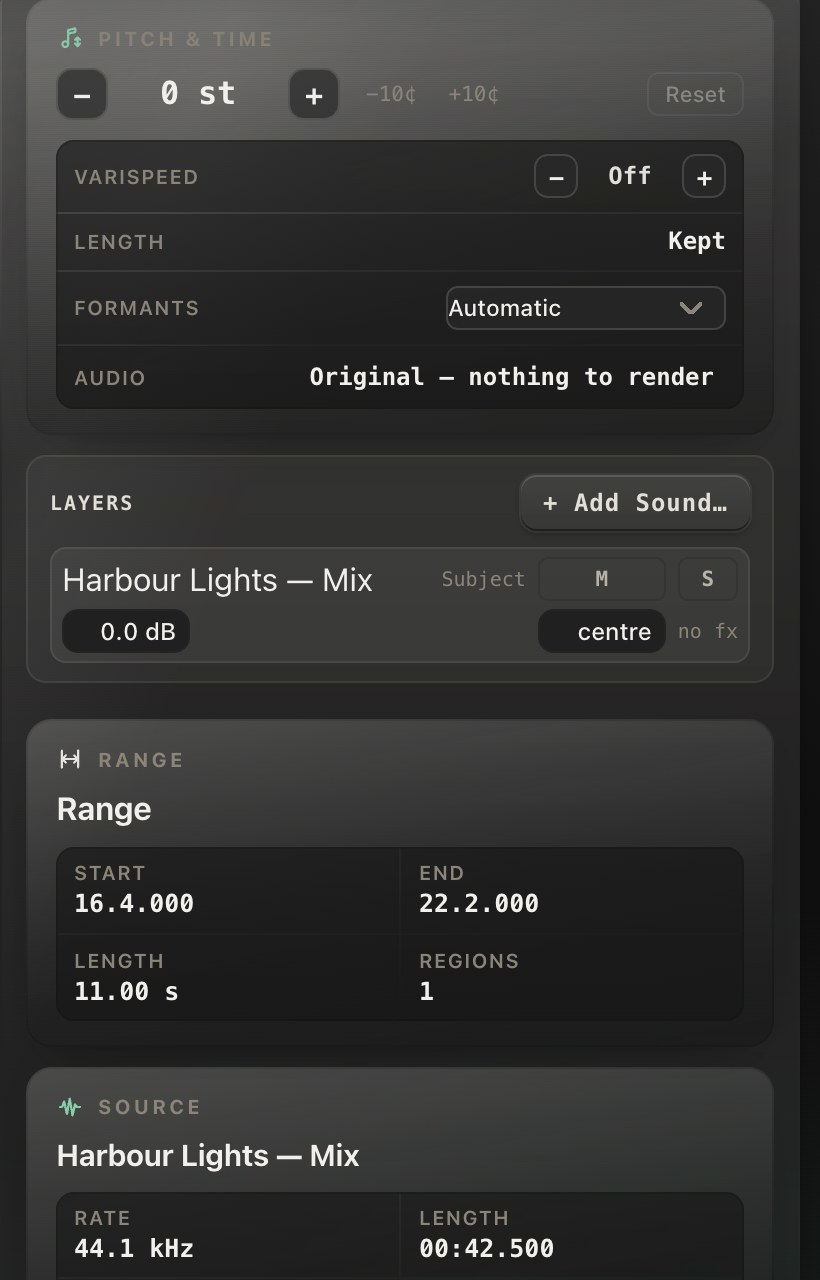
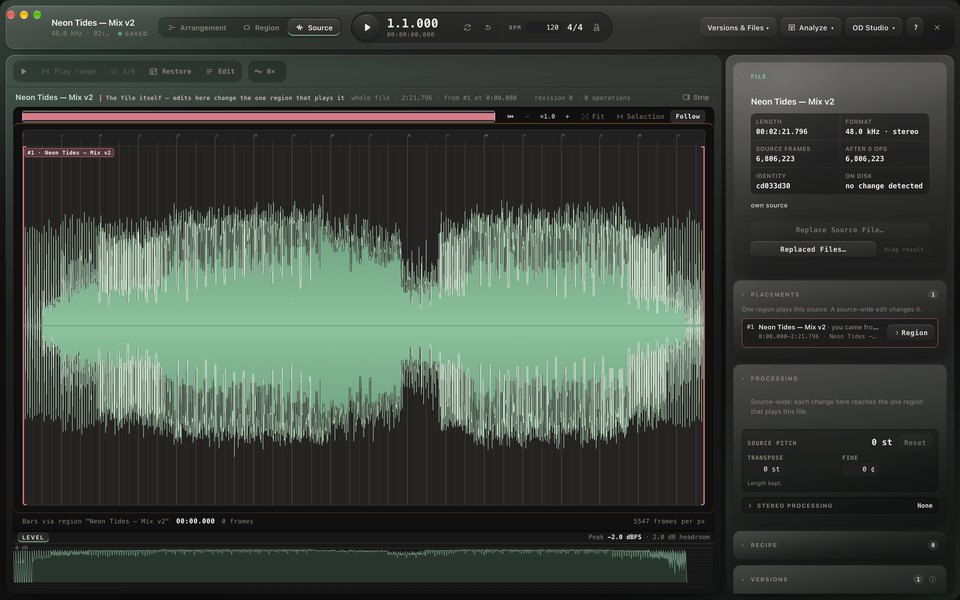
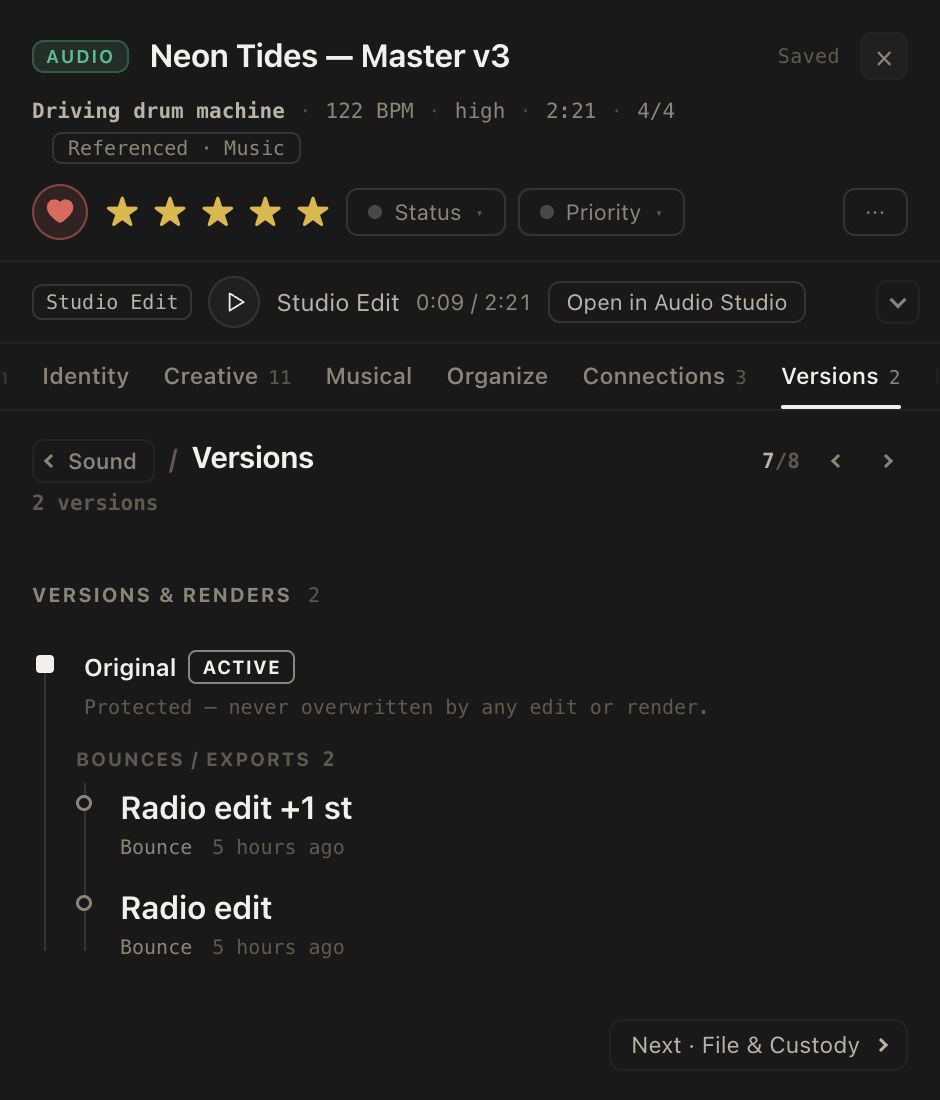
Drag across the waveform, choose an edit, then save it as a new version.
Drag across the waveform to select a range. Without a range, an edit applies to the whole file.
04The expanded view
Open a sound wide. Read it like an engineer.
One gesture opens any sound across most of the window: its file facts, its timeline as a waveform or a spectrogram, and its loudness — integrated, range and true peak — with meters that follow it as it plays. Everything below is measured in your browser, from the audio itself.
File
- Format
- Audio
- Sample rate
- 44.1 kHz
- Bit depth
- 24-bit
- Channels
- Stereo
- Duration
- 0:00
- Size
- 41.7 MB
Music
- Tempo
- Tempo unknown
- Key
- —
Timeline · spectrogram, 30 Hz – 22 kHz
Loudness · BS.1770-4 · R128
- Momentary max
- …
- Short-term max
- …
- Sample peak
- …
- RMS
- …
- Crest
- …
Measured in your browser from the audio itself. Marks on the meters: −23 LUFS (EBU R128 broadcast) and −14 LUFS (a common streaming level).